
Udemy – Open Broadcaster Software (OBS): Learn to Record and Stream

Udemy – Open Broadcaster Software (OBS): Learn to Record and Stream
MP4 | Video: 1280x720 | 59 kbps | 48 KHz | Duration: 2 Hours | 396 MB
Genre: eLearning | Language: English
MP4 | Video: 1280x720 | 59 kbps | 48 KHz | Duration: 2 Hours | 396 MB
Genre: eLearning | Language: English
Learn how to record and stream great video footage through Open Broadcaster Software for your online videos.
Looking to start recording and streaming your own videos for internet sites like YouTube and Twitch but don't know how to get started? This courses purpose is to teach people like yourself Open Broadcaster Software, a video recording and streaming application for all major operating systems, so that they can do just that. Open Broadcaster Software (OBS) is the program I personally use for all my recording and streaming purposes because it's the best app I've found.
Be sure to pick the program up for Windows, Mac, or Linux before we get started.
What are the requirements?
You'll need OBS before we start the actual tutorials. You can get it for free from https://obsproject.com/.
What am I going to get from this course?
Over 17 lectures and 1.5 hours of content!
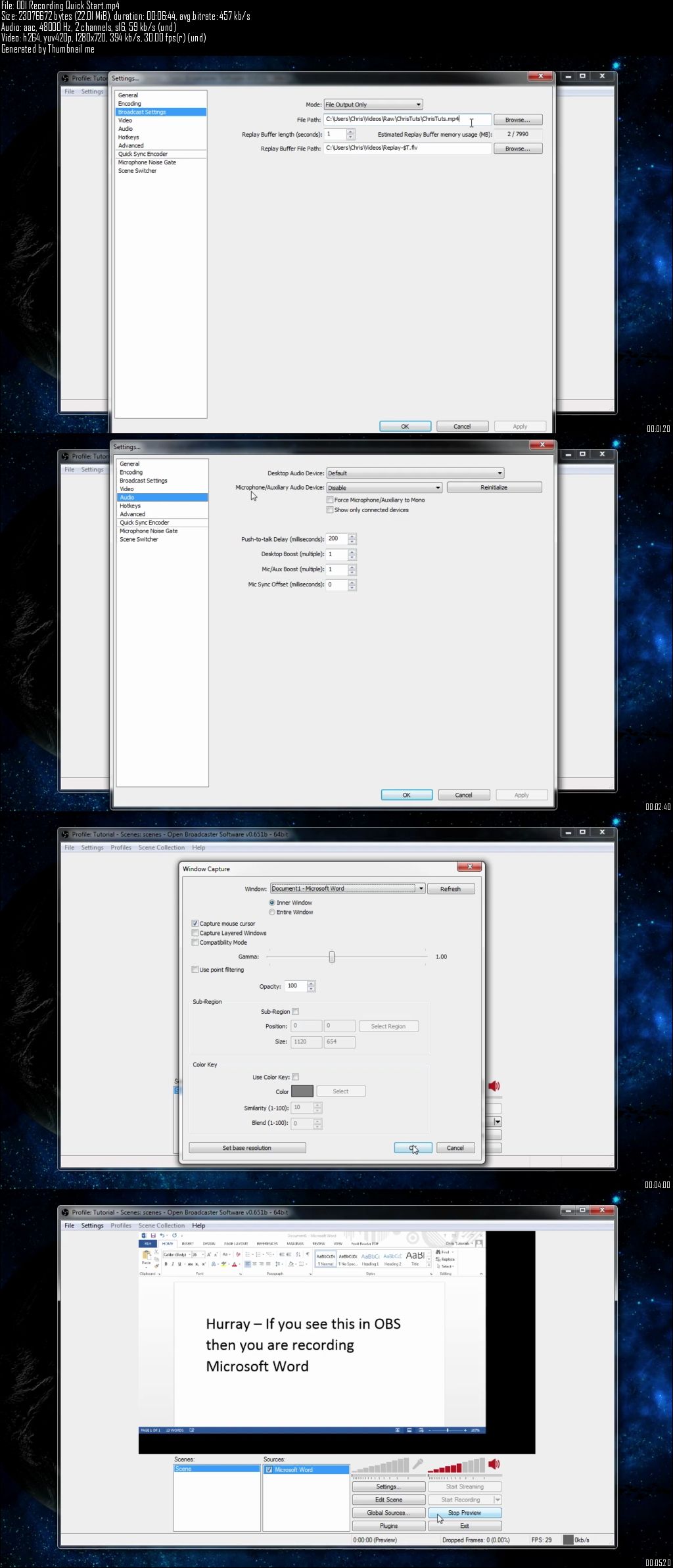
record a variety of video footage using your computer including screencasts and game recordings
stream your live content to YouTube and Twitch.tv
integrate community plugins with Open Broadcaster Software
modify the commonly used settings to increase the quality of your recordings
add in as many source elements as you desire to create a customized video display
remove backgrounds from sources using color key / chroma key
eliminating background noise with the microphone noise gate or audio post-production program Audacity
What is the target audience?
This course is especially for people new to video recording and streaming or Open Broadcaster Software.
Udemy – Open Broadcaster Software (OBS): Learn to Record and Stream