

Become a Power BI Service Expert

Become a Power BI Service Expert
.MP4, AVC, 1280x720, 30 fps | English, AAC, 2 Ch | 4h 28m | 1.64 GB
Instructor: Jason Richards
.MP4, AVC, 1280x720, 30 fps | English, AAC, 2 Ch | 4h 28m | 1.64 GB
Instructor: Jason Richards
Learn how to navigate, create, manage and share with the most powerful visualization tool available.
What you'll learn
Navigate through Power BI Service
Consume and analyze existing reports
Create new reports using your own data
Collaborate with your team and with others
Utilize dashboards
Set alert notifications
Leverage built-in AI tools
Much more….
Requirements
Windows Operating System (Windows 7,10) required
Description
Lesson 1 – Overview
In our first lesson, we will introduce you to Power BI Service and navigate through the home screen. Then we will discuss creating and managing workspaces. Next, we will dive into creating apps and sharing content. Then we will cover storage limits and additional settings. The associated lab will reinforce these concepts into practice.
Lesson 2 – Dashboards
In lesson 2, our focus is dashboards. How to create them and how to share them. We will introduce you to the powerful Q&A feature built into Power BI Service. We will take a closer look at how to look deeper into dashboard tiles through Focus Mode and set alerts to notify us when certain thresholds are breached. We will also cover how to add streaming tiles to a dashboard and cover some extras regarding this content. The associated lab will have you designing a dashboard with alerts and create streaming tiles!
Lesson 3 - Consume Reports
In lesson 3, we will cover the heart of Power BI service, reports. We will show you how to consume, interact and create utilizing built-in features for reports. We will cover bookmarks and a cool newer feature that allows you to personalize existing visuals. We will also talk about options to share and collaborate reports with others. The associated lab will reinforce these concepts.
Lesson 4 – Datasets
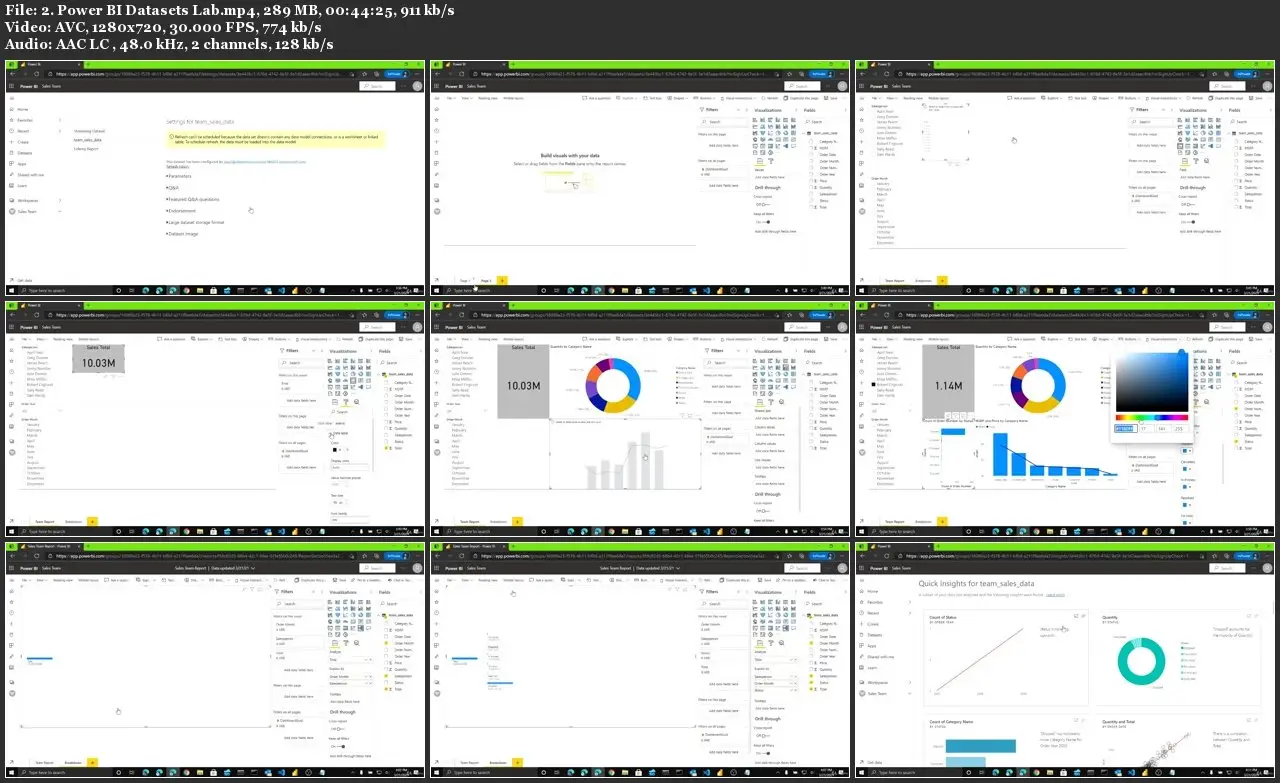
In our last lesson, we will cover data. How to get it and how to manage it. We will discuss connecting to different data sources and viewing the path of data, from source to dashboard. We will show you different ways to refresh data. We will also provide a way to get quick insights into your data as soon as its loaded to start creating insightful reports. We will also cover the basics of report creation. By the end of the last lab, you will have loaded your own .csv file, received quick insights into the data and created a two page report, worthy of a true data analyst!
Who this course is for:
New and Current Power BI Service users
Businesses that use Power BI
New and Current Data Analysts
Become a Power BI Service Expert